
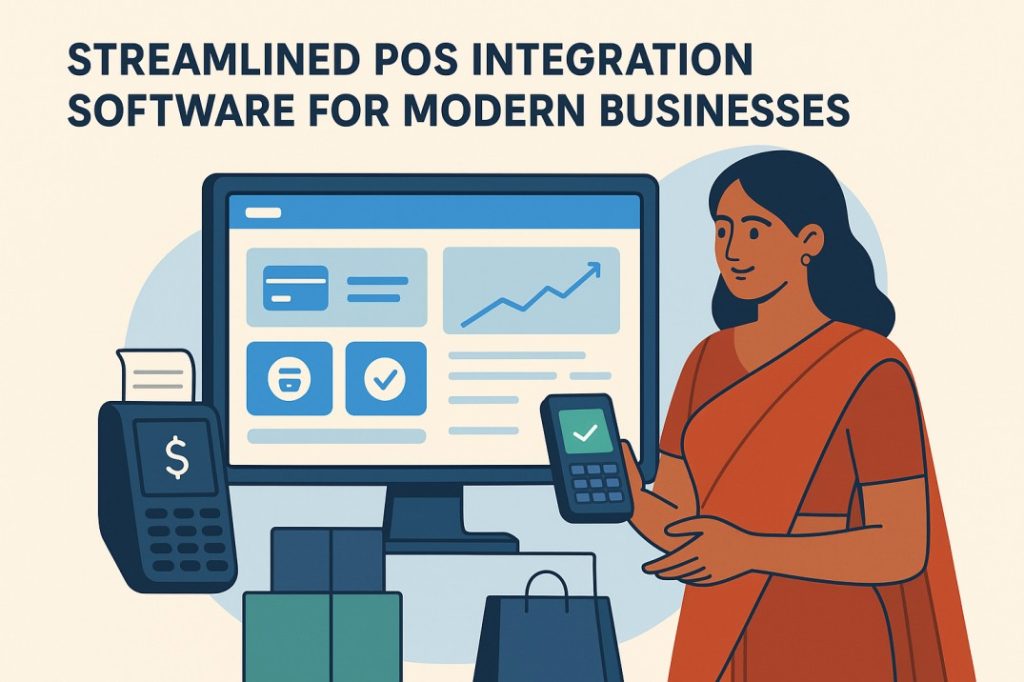
Introduction:
Today, businesses use many tools POS systems, online stores, accounting software, delivery apps, and payment systems. If these tools do not talk to each other, work becomes slow and confusing. POS integration software connects all these systems so everything works together automatically. This saves time, reduces mistakes, and makes business operations smooth and fast. Modern solutions like those offered at Chennai POS.
Key Takeaways:
- POS integration connects your POS with other business tools.
- It helps avoid manual work and saves many hours every day.
- It keeps inventory, orders, and customers updated in real time.
- It helps businesses grow faster with better accuracy.
Key Benefits of Using POS Integration Software
1. Faster Order Processing
When POS connects to apps like Swiggy, Zomato, or an eCommerce store, orders flow directly into the POS. No manual typing is needed. This reduces mistakes and speeds up work during busy hours.
2. Real Time Inventory Updates
If someone buys a product online or in your shop, the stock updates everywhere at the same time. This prevents over-selling and customer complaints. It also helps you know when to restock.
3. Better Customer Experience
Customers get their orders quickly and accurately because systems talk to each other. Billing becomes faster, Loyalty points and discounts are applied correctly.
4. Reduced Manual Work
Staff do not have to enter the same data in many systems. This saves time and reduces human errors. The team can focus more on customer service.
Core Features of POS Integration Software
1. Connects POS with Online Stores
- It links your POS with platforms like Shopify, WooCommerce, or Magento.
- This keeps online and offline inventory the same. You don’t have to update stock manually.
2. Connects POS with Delivery Apps
- POS integrates with apps like Swiggy, Zomato, and Dunzo.
- Orders go directly into the POS.
- Order status updates automatically.
3. Connects POS with Accounting Tools
- It connects with Tally, Zoho Books, and QuickBooks.
- Sales and expenses sync automatically.
- This makes accounting faster and cleaner.
4. What Are Clover Integrations and How Do They Help Your Business?
- Clover integrations connect your Clover POS system with other useful apps and tools.
- This helps you manage different parts of your business from one place.
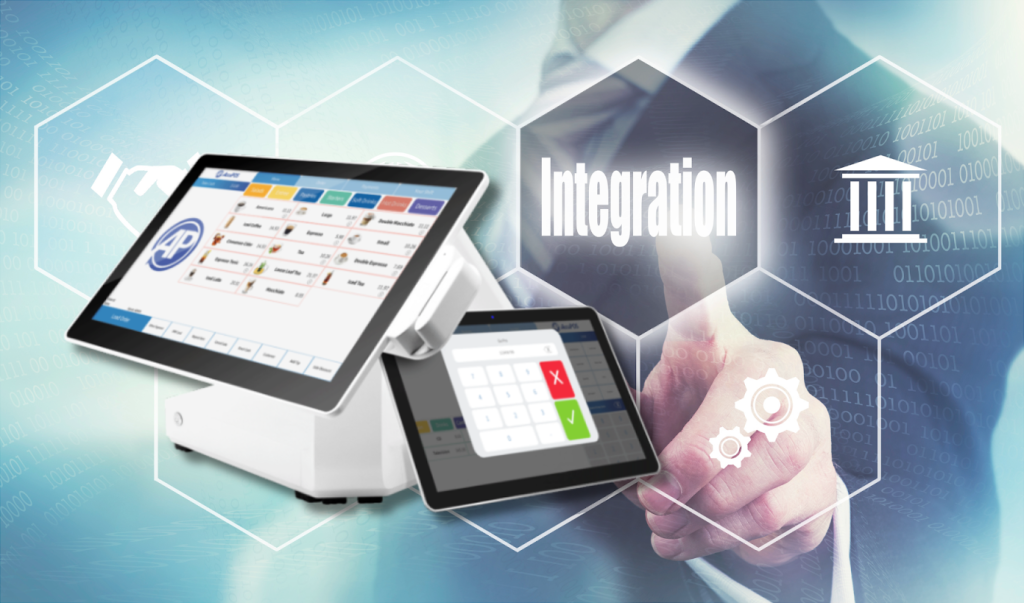
Why Automated Data Sync Reduces Manual Errors and Saves Time
Automated data sync removes the need to enter the same information again and again in different systems. When data flows automatically between POS, inventory, accounting, and online orders, everything stays updated in real time.
1. Auto-Sync Orders
When someone orders online, it appears instantly in the POS. This removes double- entry work.It also avoids wrong order details.
2. Auto-Sync Customers
Customer details sync across all tools. This helps build loyalty programs.You understand buying patterns better.

How Easy Management Tools Help You Handle Daily Tasks Smoothly
1.They help you plan your daily work in one place.
2.They remind you about important tasks so you don’t forget.
3.They make it easy to track progress step by step.
4.They reduce manual work and save your time.
5.They help you organize files, notes, and data neatly.
6.They allow your team to work together without confusion.
7.They show clear updates so you always know what’s done.
8.They reduce mistakes by automating small tasks.
9.They make communication faster and more simple
10. Point of Sale Integration connect your POS system with inventory tracking, billing, payments.
Conclusion:
Streamlined POS integration software is a powerful tool for modern businesses. It connects your POS with other systems so all data stays updated automatically. This reduces mistakes, saves time, improves customer experience, and helps your business grow faster.
Whether you run a retail shop, restaurant, café, or online store, POS integration makes your work simple and efficient.
F.A.Q.
It connects your POS system with other apps like eCommerce, accounting, or delivery apps.
It saves time, reduces mistakes, and updates data automatically.
Swiggy orders directly appear in your POS without manual entry.
Yes, it keeps both sides connected and synced.
Yes, most providers offer simple setup and full support.